Help Topics
Discovery, Pins & Custom Categories
Surface local venues inside any city viewport in milliseconds, drop custom pins anywhere, and organize them with icons, pastel colors, and rich metadata.
1. Instant Neighborhood Discovery
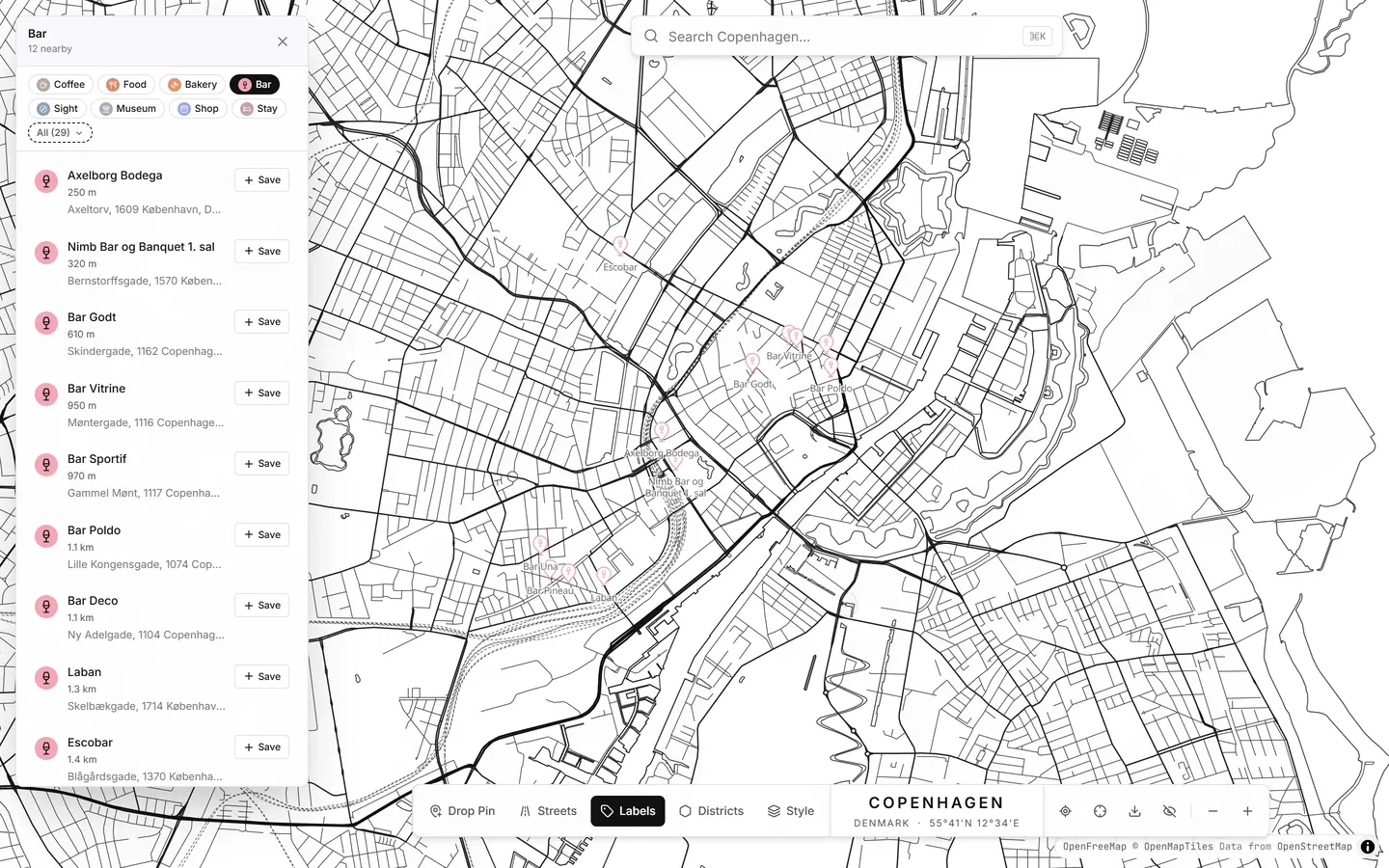
Click the floating search bar at the top of the map to reveal quick-explore chips (Coffee, Bar, Food, Bakery, Museum, Stay) plus your personalized Top-3 most used types.
Click any chip to scan the current map viewport via Overture Maps + OpenStreetMap. Click a row in the Explore panel to preview it on the map and save it to your city with one click.
2. Dropping, Moving, and Inspecting Pins
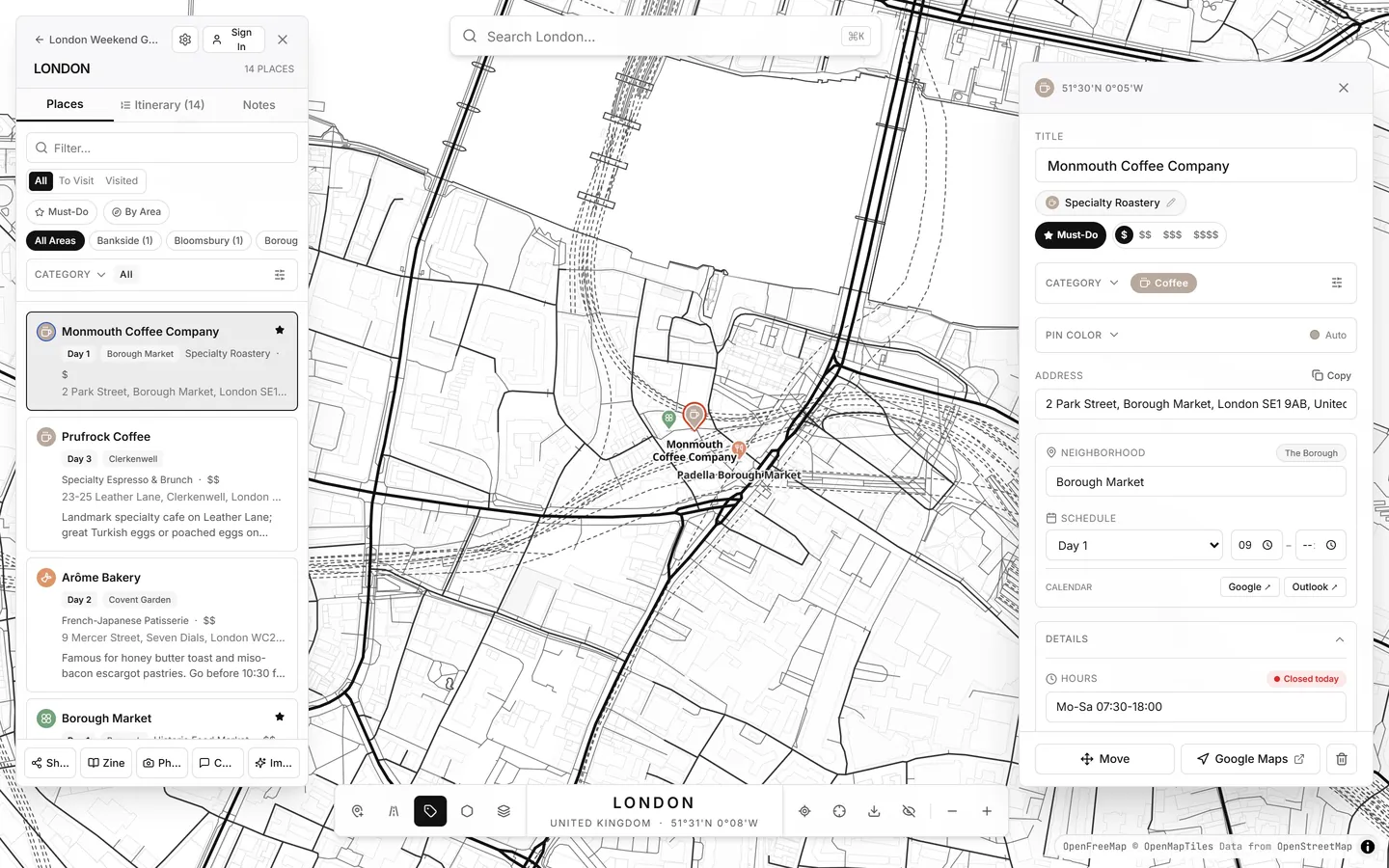
- Drop a pin anywhere: Press P (or click the pin button in the bottom-right map toolbar) and click any spot on the map.
- Move a pin: Open a pin in the right-hand Pin Inspector and click Move Pin, then click the new location on the map.
- Rich Place Details: Store place type/cuisine, price tier (
$–$$$$), opening hours, phone number, website, social link, reservation status (Walk-in,Recommended,Required,Booked), and traits (Outdoor Seating,Wheelchair,Vegan Options,Vegetarian). - Status & Navigation: Toggle Must-Do (star) or Visited, and tap Open in Google Maps anytime for live turn-by-turn directions.
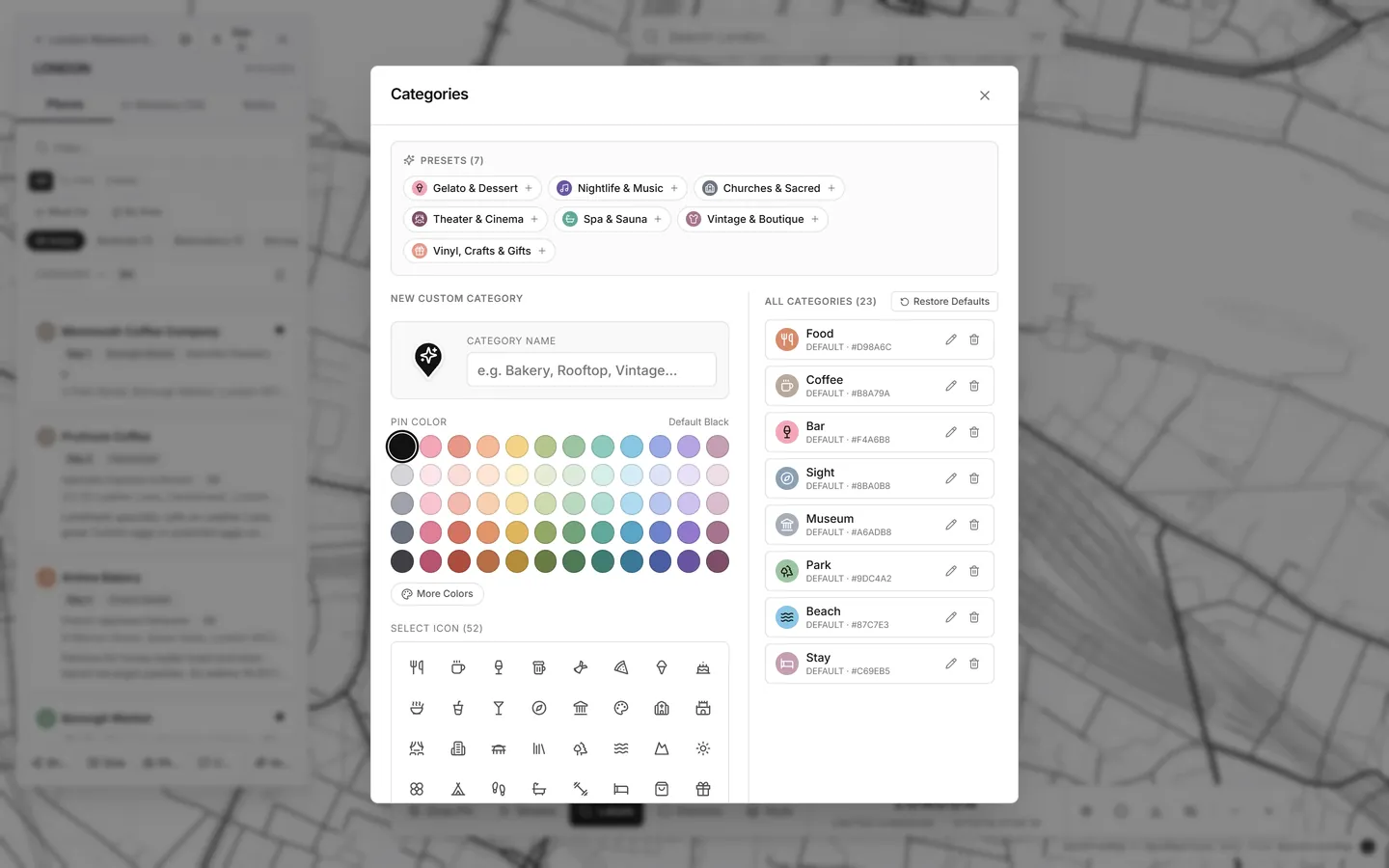
3. Custom Categories, 52 Icons & 60-Color Matrix
Click the Edit categories button next to the category filter chips (or inside the Pin Inspector) to create custom categories, rename defaults, choose from 52 vector icons, and pick from a 60-swatch honeycomb pastel & custom hex palette. You can also override the color of a single pin without changing its category.